IRCC PDF Too Large? The Quick Fix You Need Now
File too big for the IRCC portal? Learn IRCC's upload limits, which passport pages to keep, how to compress PDFs and why phone scans beat photos

Key takeaways
- Limits depend on the platform: IRCC caps uploads at 4 MB per file in the IRCC secure account and 5 MB in the IRCC Portal, with 4 MB limits in several other portals.
- Blank pages add weight for nothing: IRCC's country instructions ask for the passport's biographic information page and all pages that are not blank, so empty pages can usually go.
- IRCC expects clear copies: For forms like the ATIP consent form, IRCC asks for a colour scan at 300 dpi or higher, or a clear, well-lit phone photo, which shows legibility matters as much as size.
- Size problems cost time: Your representative must compress files to meet IRCC's upload limits before submission, and every oversized file adds rework.
- The most common mistake: Applicants photograph documents with a regular camera, which creates heavy files that often break the upload limit, instead of using a document scanner.
Nothing kills the moment faster than an oversized file. Your visa application is coming together perfectly, your documents are in order, the IRCC website isn't glitching for once, and your computer is cooperating. Then you reach the upload stage, and a file is too big. That just kills my vibe, like Kendrick. This guide covers IRCC's file size limits, two quick fixes, and the scanning habit that prevents the problem in the first place.
This article provides general information only and does not constitute legal advice.
What Is IRCC's File Size Limit for Uploads?
It depends on which system you use. According to IRCC's Help Centre, the per-file limits are:
| IRCC system | Maximum file size |
|---|---|
| IRCC secure account | 4 MB |
| IRCC Portal | 5 MB |
| IRCC Portal (new version) | 5 MB |
| Permanent Residence Portal | 4 MB |
| Online citizenship application | 4 MB |
In my experience, IRCC's web form accepts smaller attachments, around 2 MB, so keep files lighter when you send documents through it. When you're unsure which limit applies, aim for under 4 MB and you'll clear most systems.
How Do I Make a PDF Smaller for IRCC?
Two quick fixes solve most oversized files.
Fix 1: Remove unnecessary pages. Before compressing anything, ask yourself whether each page needs to be there:
- Remove blank passport pages
- Delete duplicate scans
- Cut cover sheets or pages that add no information
For passport copies, IRCC's country instructions typically ask for the biographic information page and all pages that are not blank. In practice, that means the bio-data page plus every page with stamps, visas, permits, or other markings. Check your own document checklist, since instructions vary by country and program.
Fix 2: Use Adobe Acrobat's reduction tool. If you have the paid version of Adobe Acrobat (not just the free Reader):
- Open the PDF
- Click Menu (or File)
- Select Save As Other > Reduced Size PDF (in newer versions, look for Compress a PDF under All tools)
- Click OK
- Rename your file, for example "Passport_Reduced.pdf"
- Save it and wait for compression to finish
In my experience, file sizes often drop dramatically, sometimes by as much as 80%. Always open the reduced file and zoom in to confirm every word, number, and stamp stays readable. A tiny file that an officer can't read creates a bigger problem than an oversized one.
Should I Scan My Documents or Take Phone Photos?
Scan them. Most smartphones include a built-in document scanner, and it beats a regular photo every time.
A regular photo creates a large, heavy image that often looks skewed or shadowed, which makes it more likely to exceed IRCC's limit and harder for an officer to read. A document scan crops the page, flattens it, and converts it into a clean, lightweight PDF that is easier to upload.
IRCC cares about clarity. For its ATIP consent form, for example, it asks for a colour scan at 300 dpi or higher, or a clear, well-lit smartphone photo. Your supporting documents deserve the same standard.
Two cautions:
- Never edit document contents. Compressing a file is fine, but altering text, stamps, or images can raise authenticity concerns.
- Be careful with free online compressors. Your passport and bank statements contain sensitive personal data, so prefer tools on your own device over unknown websites.
When Should I Check File Sizes?
Before you start assembling your application, not at the upload screen. Check each document's size as you collect it, and fix anything over the limit straight away. That habit keeps a small technical problem from turning into a last-minute scramble.
It also speeds up your representative's work. Compressing large files to meet IRCC's limits is one of the steps that can slow down preparation when documents arrive oversized or in pieces. Your future self, and your consultant, will thank you.
FAQs
What is the maximum file size for IRCC uploads?
It depends on the system. IRCC's Help Centre lists 4 MB per file for the IRCC secure account and the Permanent Residence Portal, and 5 MB for the IRCC Portal. Check which system you're using before you upload.
Do I need to upload every page of my passport to IRCC?
Usually not. IRCC's country instructions typically ask for the biographic page and all pages that are not blank, which covers stamps, visas, and permits. Follow the document checklist for your specific application.
Will compressing a PDF reduce its quality too much?
It can if you compress too aggressively. After compressing, open the file and zoom in to confirm all text, numbers, and stamps stay clear. If anything looks blurry, rescan the page or use a lighter compression setting.
Can I upload phone photos of my documents to IRCC?
You can, but a phone's document scanner usually works better. Scans produce lighter, flatter, more readable PDFs than regular photos, which reduces both upload errors and legibility problems.
Small Files, Smooth Submission
An oversized file is one of the easiest problems to prevent. Remove pages you don't need, compress carefully, scan instead of snapping photos, and check every file's size before you start assembling your application. If you'd rather hand the technical details to a professional, Newflow Immigration's licensed consultants can prepare and upload a complete, compliant Canadian business visitor visa application for you.
Disclaimer: This article offers general information and does not constitute legal advice. Reading it does not create a consultant-client relationship. IRCC file size limits and document requirements can change, so always confirm current instructions before you upload.
Related articles

The Hidden IRCC Form Error With Serious Consequences
One “No” on IMM 5257 led to a Canadian visa refusal under IRPA 41(a). Discover what IRCC can see and how disclosing past refusals protects you.
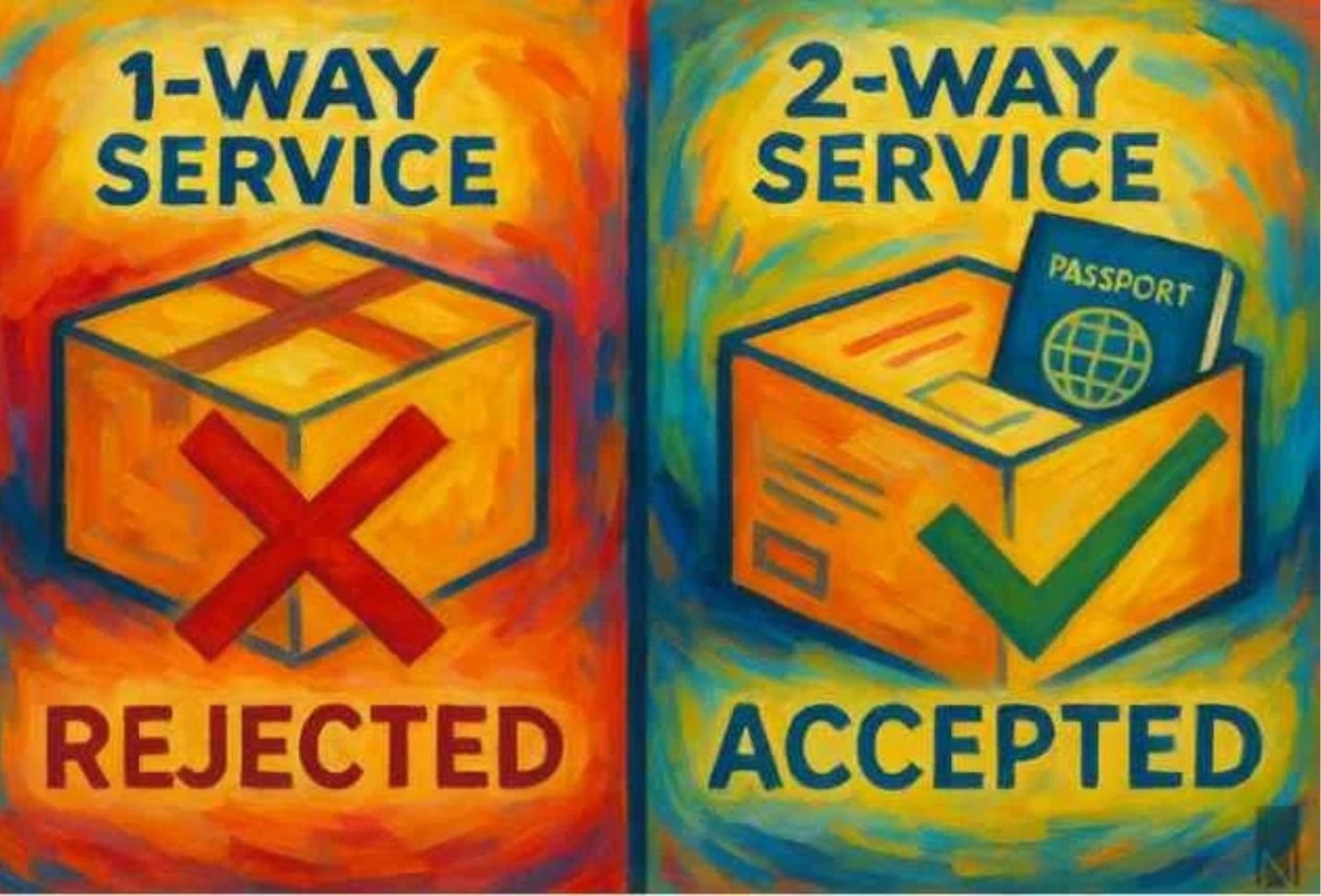
The Costly Courier Mistake That Can Delay Your Canadian Visa
Learn IRCC’s 30-day rule, VAC submission steps, and how to avoid costly courier mistakes that could delay your trip.
The Truth About Rushing a Canadian Business Visa Application
Urgency won't speed up a Canadian business visitor visa. Discover the 3 key processing timelines, what you can control, and how to avoid costly delays.